Motion Control AI - Kling 3.0 Motion Control Video Generator
Create dynamic AI videos with Kling 3.0 Motion Control AI. Control character actions and expressions precisely via reference images. Master professional Image-to-Video generation. If the subject isn't human or generation fails, try DreamActor M2.
Motion Control Generator
Accurately copy actions from reference videos to your images. If the subject in the video is not human, or if generation fails, please try DreamActor M2.
Motion Control Generator
Live previewYour motion control video will appear here
Real-World Motion Effects via Motion Control AI
Precision in Hand Performances
Captures intricate hand movements and gestures with high fidelity, ensuring distinct finger articulation and fluid motion transfer from the reference video to the target character.

Perfectly Synchronised Full-Body Motions
Delivers coherent, coordinated full-body animation where the generated character's posture, limb movements, and overall orientation perfectly mirror the reference video.
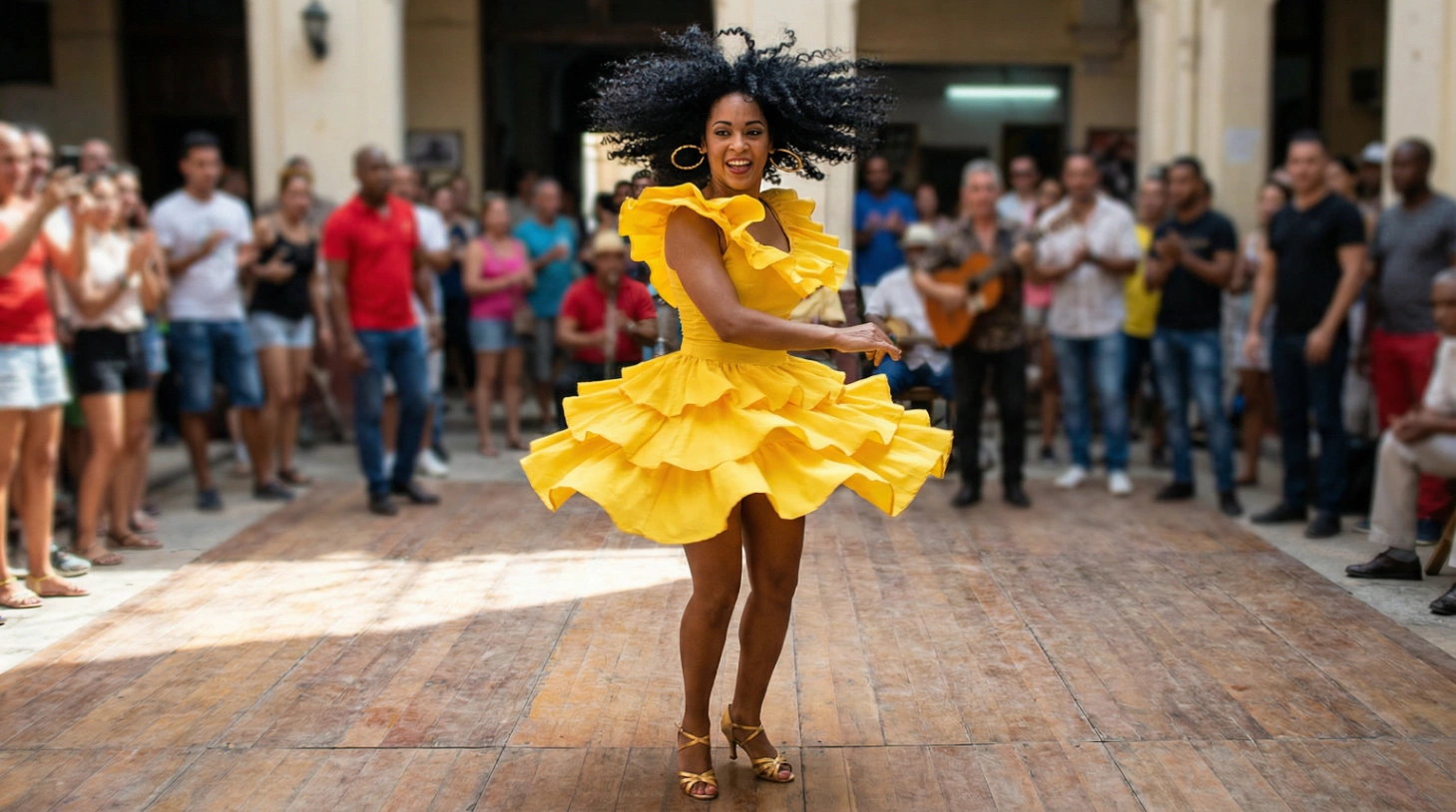
Masterful Performance of Complex Motions
Handles dynamic, challenging action sequences with ease, translating complex athletic or dramatic movements to the target character while preserving consistency and realism.
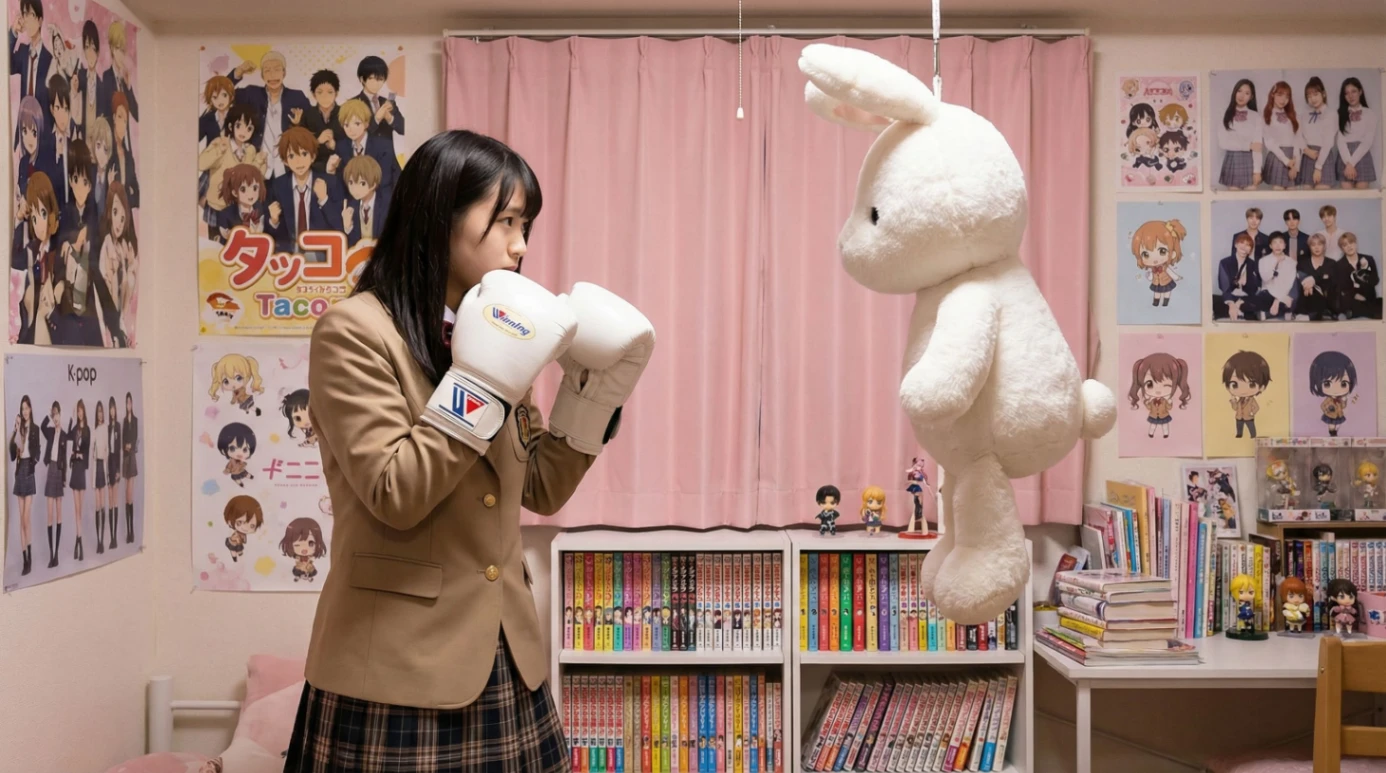
Scene Details at Your Command
Combines motion control with text prompts to customize background elements and interactions — add new characters or change the environment while maintaining the original motion trajectory.
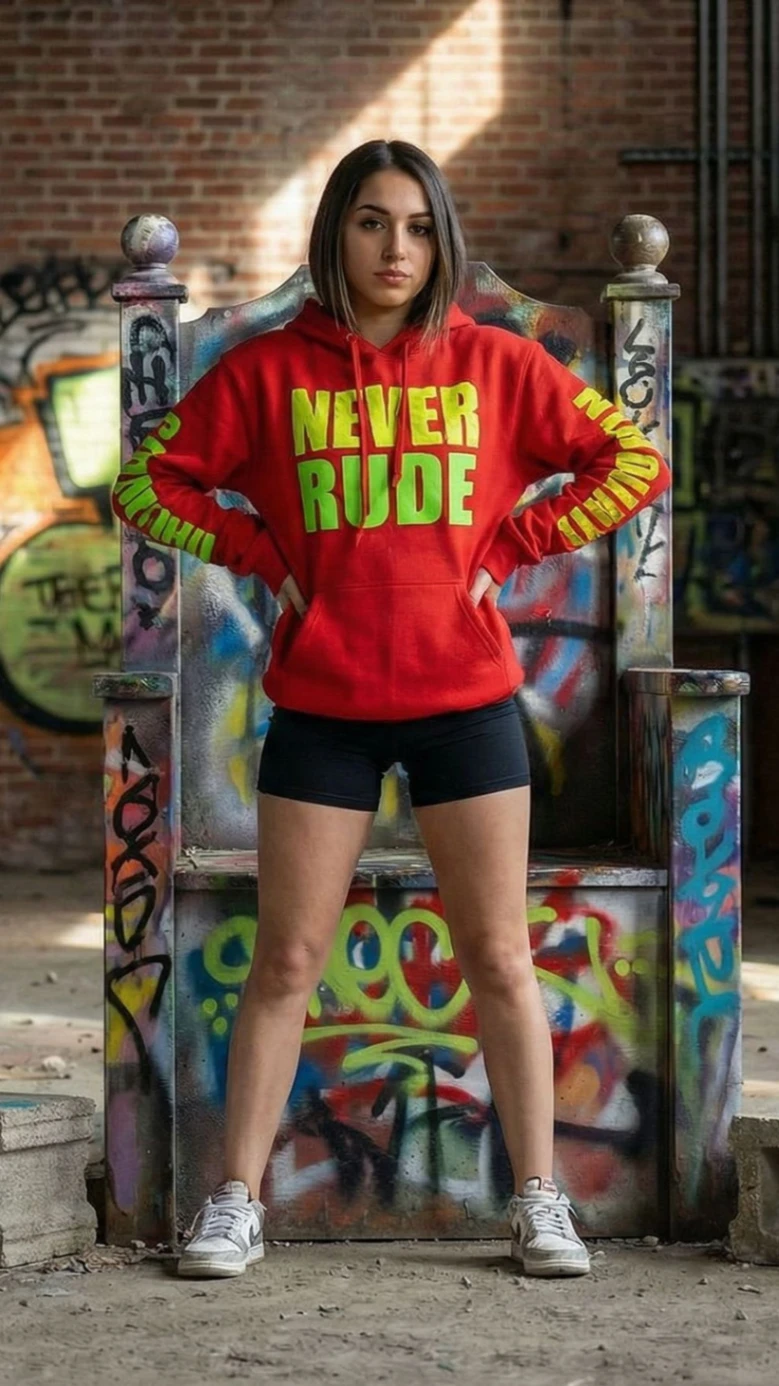
Generate Videos with Kling Motion Control AI in 3 Steps
Upload Reference Image & Motion Video
Upload the reference image you wish to animate, then add a reference video. The Kling 3.0 engine uses this video to guide the actions and trajectory of your static image, ensuring accurate motion transfer.
Refine with Text Prompts
Input descriptive text prompts to guide generation — add new elements, define the atmosphere, or specify motion effects that complement your reference assets.
Generate & Download
Click Generate to power the Kling 3.0 engine. Preview your dynamic AI video in moments, then download the high-resolution file without watermarks.
Why Choose Kling 3.0 Motion Control for AI Video Generation?
Transform static images into cinematic reality. Motion Control AI leverages the advanced Kling 3.0 model for unprecedented control over movement, character expressions, and camera dynamics.
Superior Character Consistency
Maintain subject identity perfectly. Unlike older models that morph faces, Kling 3.0 keeps your character's features and attire consistent throughout the video — ideal for storytelling.
Photorealistic 3.0 Engine
The next leap in AI visual quality. Kling 3.0 delivers HD output with physically accurate lighting, fluid textures, and realistic physics that rival traditional CGI.
Complex Action Control
From a subtle facial expression to a full-body action sequence, Kling AI interprets your prompts and reference images to execute dynamic, believable actions.
Cinematic Camera Moves
Direct your AI video like a pro. Control pans, tilts, and zooms alongside subject motion. Kling Motion Control lets you compose dynamic shots that elevate your narrative.
Precise Motion Trajectories
Go beyond random animation. With Kling Motion Control you gain complete command over motion trajectories — use natural language to guide character movement or camera work.
Rapid Video Generation
Optimized for performance, our platform cuts rendering times for Image-to-Video tasks so you iterate quickly and produce professional clips in minutes, not hours.
How to Achieve Perfect Motion Control Results
Match Full Body & Half Body Framing
Match the full-body or half-body composition of your image reference with the corresponding view in the motion reference for seamless alignment.
Select Optimized Motion References
Choose a motion reference with a wide range of motion and moderate speed. Prioritize videos with minimal displacement to keep the character centered and stable.
Ensure Sufficient Spatial Clearance
For large motion references, use an image with ample background space so your character can move freely through the frame without clipping.
FAQs About Motion Control AI
Motion Control AI is a Kling 3.0-powered video generator that maps the motion from a reference video onto a character image you upload, producing a new animated video with accurate action and expression transfer.
Kling 3.0 Motion Control is the latest generation of Kling's image-to-video engine, built to copy precise body movement, gestures, and camera dynamics from a reference clip onto your static character while preserving identity.
Kling 3.0 keeps character features and attire consistent (older models often morph faces), adds physically accurate lighting and physics, and gives you direct control over motion trajectories and camera moves.
Yes. Use the reference video for body and gesture motion, and text prompts to refine scene details, expressions, and which elements move — including hand and full-body articulation.
Upload a full-body or half-body photo with a visible background (not a tight portrait or headshot), good lighting, and enough surrounding space for the character to move.
Yes. Videos you generate can be used commercially under your plan, and exports are delivered in high resolution without watermarks.
Most clips render in minutes. Time varies with video length (3.5-30s), std vs pro mode, and current demand.
Reference videos support .mp4 / .mov (3.5-30s, up to 150MB). Outputs download as high-resolution MP4 without watermarks.
Try Create Motion Control Now!
Transfer motion from any reference video onto your own character image and generate cinematic, consistent Kling 3.0 AI video in minutes.
Create Motion Control Video